
Benefit 01
Work from your existing accounting baseline
Use QuickBooks as the operational starting point for forecasting and scenario planning in CloudFO.
Connect QuickBooks to CloudFO and turn day-to-day accounting records into a clearer planning workflow for cashflow, scenarios, and decision support.
01
Start planning from the accounting data already maintained by your team.
02
Make reviews faster by reducing manual exports and spreadsheet reshaping.
03
Show stakeholders what changed, what matters, and what to do next.
Accounting integration

Use connected source data as the starting point for forecasting, scenario planning, and clearer decision support.
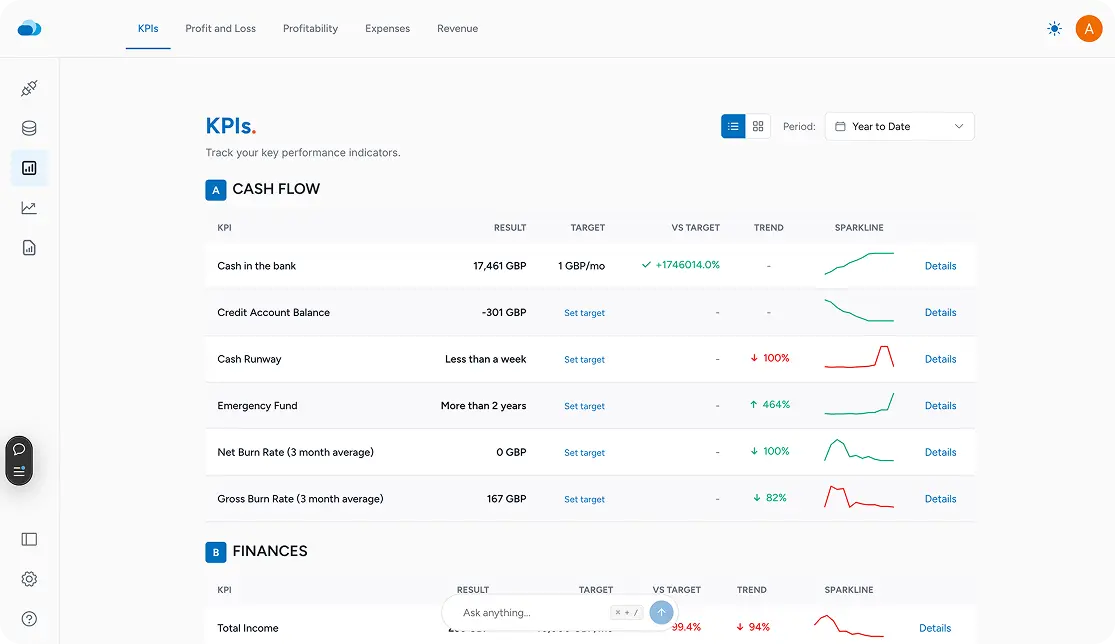
Planning value
Move from source data to a forward-looking decision workflow.
Built for action
Forecast, compare scenarios, and present the financial story clearly.
The goal is not more dashboards. It is a clearer workflow from financial source data to better decisions.
Benefit 01
Use QuickBooks as the operational starting point for forecasting and scenario planning in CloudFO.
Benefit 02
Spend less time exporting, reformatting, and reconciling files just to get ready for planning conversations.
Benefit 03
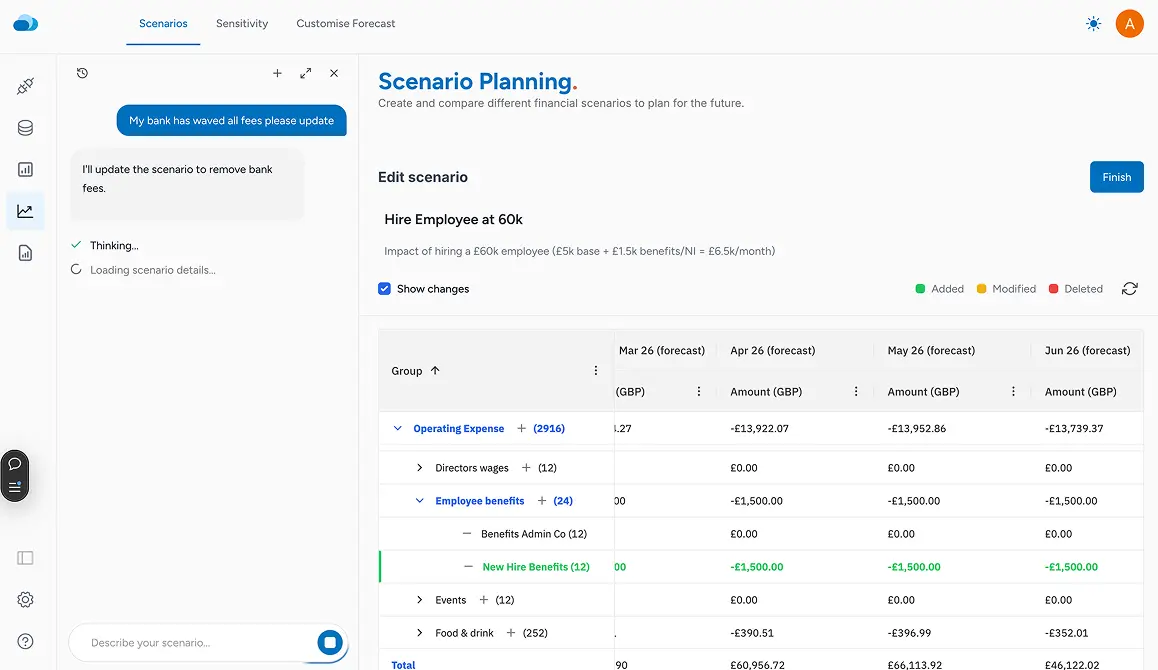
Model cost, revenue, hiring, and timing changes in one place so the impact is easier to discuss.
Benefit 04
Translate accounting detail into outputs that leaders and clients can understand without additional cleanup.
The connection supports a straightforward workflow built around financial clarity.
Use the accounting system you already run so the planning model starts from a familiar source of truth.
Bring the numbers into a workspace built for planning instead of keeping them trapped in historical reports.
Use that baseline to test options, compare outcomes, and explain the implications more clearly.
CloudFO helps teams move from accounting context to decisions without adding unnecessary workflow complexity.
Capability 01
Understand how operating decisions affect liquidity and planning confidence over time.
Capability 02
Compare multiple paths before committing to a hiring plan, investment, or pricing change.
Capability 03
Create outputs that explain the implications of the numbers, not just the numbers themselves.
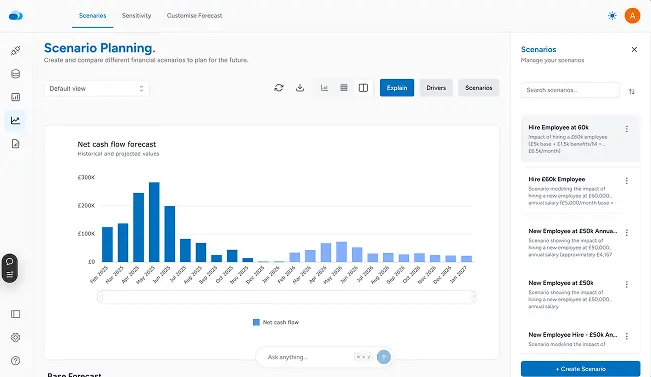
Because bookkeeping data is often the best financial starting point, but it usually still needs a planning layer to support forecasts, scenarios, and decisions.
No. Advisory firms and in-house finance teams can both use the same connection to support clearer planning workflows.
CloudFO focuses on forecasting, scenario comparison, and communicating decisions, rather than replacing the accounting system itself.
The goal is to keep your accounting process intact while making the planning and reporting work around it more effective.
Ready to connect QuickBooks?
Connect your accounting source, reduce manual handoffs, and make financial decisions with more structure and confidence.